
Choosing the right automotive key should take thirty seconds. Then a wall of near-identical listings shows up, and thirty seconds becomes an hour. The trick isn't to compare everything at once. It's to answer a few questions in the right order, so each answer shrinks the list for the next one.
Understanding Automotive Key Types and Compatibility
Start with what's in your hand. Of all the automotive key types, only a handful are really in play, and you can usually tell yours apart in a few seconds. Getting this first step right clears out more than half of the wrong options before you've read a single listing.
- Chip-only key: A plain head with no buttons. It starts the engine and opens the door, nothing more.
- Remote head key: Blade and buttons built into one piece.
- Flip key: The blade folds into a fob body, like a pocket knife.
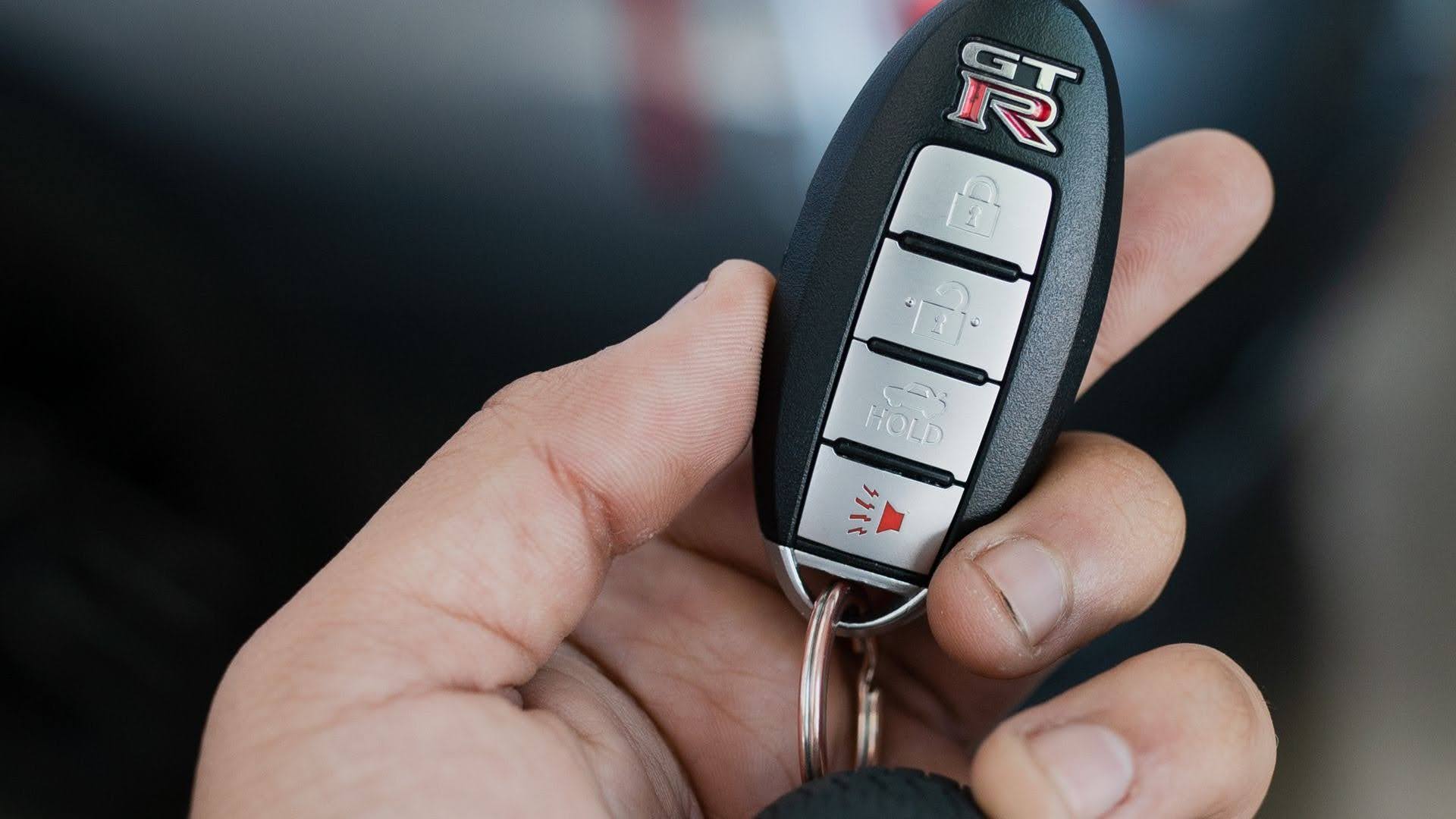
- Push-button fob: No blade in daily use. The vehicle starts with the press of a button, and a hidden emergency blade usually sits inside.
How Vehicle Information Affects Key Selection
Next, anchor the key to the vehicle. Make, model and year are the usual three, but the year can mislead. A vehicle built late in a calendar year may belong to the next model year, and the label on the driver's door frame often shows the real build date. If the label has faded, the VIN fills the gap. Trim counts too, and so does the owner's manual, which tells you how many keys came with the vehicle and what kind.
Don't rush this step. A car key fob with the right shape and the wrong build date is still the wrong fob. Every later check, from codes to buttons, assumes these basics are right, and a mistake here follows you all the way to checkout.
Understanding FCC ID, OE Numbers, and Part Numbers
Now read the codes. If your current key is still around, the FCC ID and part number are your best friends. On a smart key, the ID may sit inside the case, so open it gently. Put those codes next to the ones in the listing and see which of three situations you're in.
- Exact match: Same FCC ID and same part number. Good to go.
- Different FCC ID, but the listing names your OE number: It can still be a valid cross-reference. Ask the seller to confirm before you order.
- No codes in the listing: Walk away. A listing that doesn't show its codes can't prove its fit.
Key Frequency and Transponder Information
Inside most keys sits a small chip that tells the engine, "it's me." A transponder key without the right chip will turn in the lock and start nothing. The good news is that you rarely choose the chip on its own. A solid listing names it or says it's included for your vehicle. Your job is to check that the listing says so and that it lines up with what your original carries.
Radio signal is a separate check on any key with buttons. We cover it in [why automotive key frequency matters], and it's worth a read before you settle on a fob.
Product Specifications and Selection Guidelines
Here's the whole choice reduced to one clean path. Follow it from top to bottom, and vehicle key compatibility mostly sorts itself out.
- Name your type: Chip-only, remote head, flip or push-button.
- Lock in the vehicle: Make, model, build year and trim.
- Read the codes: FCC ID, OE number and part number.
- Check the extras: Button count, blade style and chip.
- Confirm pairing: Does the key need a tool, or can it be done onboard?
- Compare price last: Only among keys that passed the first five.
Common Mistakes to Avoid
Most bad choices come from the order, not the effort. People compare prices first, check the fit second, and then wonder why the cheap key went back in the box.
Here are the usual slips and a quick fix for each:
Mistake | What Happens | Quick Fix |
Price first | A cheap key that doesn't fit | Check codes before cost |
Model name only | The wrong generation arrives | Confirm the build year |
Skipping button count | A fob with the wrong layout | Match it to your original |
Ignoring pairing | The key won't start the vehicle | Ask what pairing needs |
Conclusion
The right automotive key comes down to order. Identify the type, pin down the vehicle, read the codes, check the extras, confirm pairing, and look at price last. Do it that way and the shortlist usually writes itself.
Transponder Island stocks keys and remotes for a wide range of makes, with the details laid out so you can compare before you buy. If a listing leaves you unsure, the team can help you confirm the right key first.
FAQs
Can I Get a Replacement Car Key Without the Original Key?
An auto locksmith or a car dealer can generally make a replacement without the original key. Bring in your VIN, a photo ID, and proof of ownership and we can help you find the right key and do any cuts and programming that is needed.
Does a Replacement Car Key Need to Be Cut and Programmed?
A basic metal key only needs cutting, while a transponder key also needs programming or cloning. Smart keys need programming, and their emergency blade may need cutting to fit your car’s lock.
Can I Use an Aftermarket Key Fob for My Car?
An aftermarket key fob can work if it is programd right and if it meets the specifications of your vehicle. Make sure your locksmith can program it. Check vehicle compatibility, supported features and frequency before you purchase.
Should I Buy an OEM or Aftermarket Replacement Car Key?
Choose OEM if you want an original factory replacement. A quality aftermarket key can cost less and work well, provided your locksmith confirms compatibility, supports the programming and offers a warranty.
Why Does My Replacement Car Key Not Match My Vehicle?
Your replacement may have the wrong blade, chip or remote frequency, or it may not be programmed to your car. Have an auto locksmith check the key’s specifications, blade cut and programming to find the problem.